How To Submit Navia Dependent Care FSA Claim For Nanny and Sitter Cash Payments
You've been paying your nanny in cash all year. You know you're supposed to submit those payments to your Dependent Care FSA. But to be honest, you have no idea what documentation Navia even wants, and you're worried about getting it wrong.
Good news: it's easier than you think.
Part 1: Generate Your Invoice in ExpenseFam
Step 1: Login to ExpenseFam
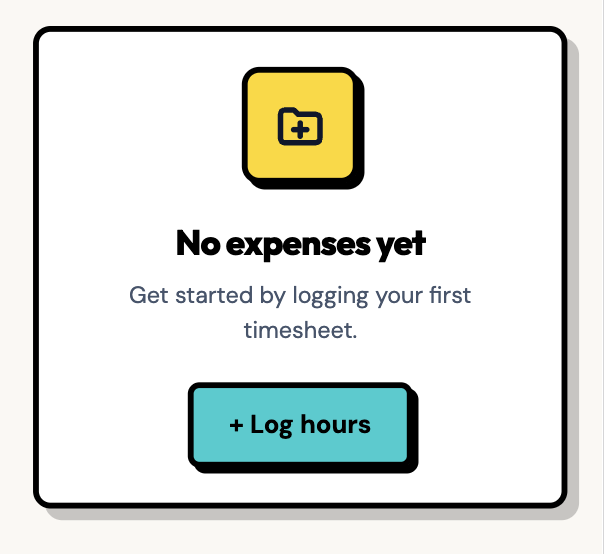
Head to ExpenseFam and login, or start a new free trial, then click Log hours.
Step 2: Enter nanny and payment details
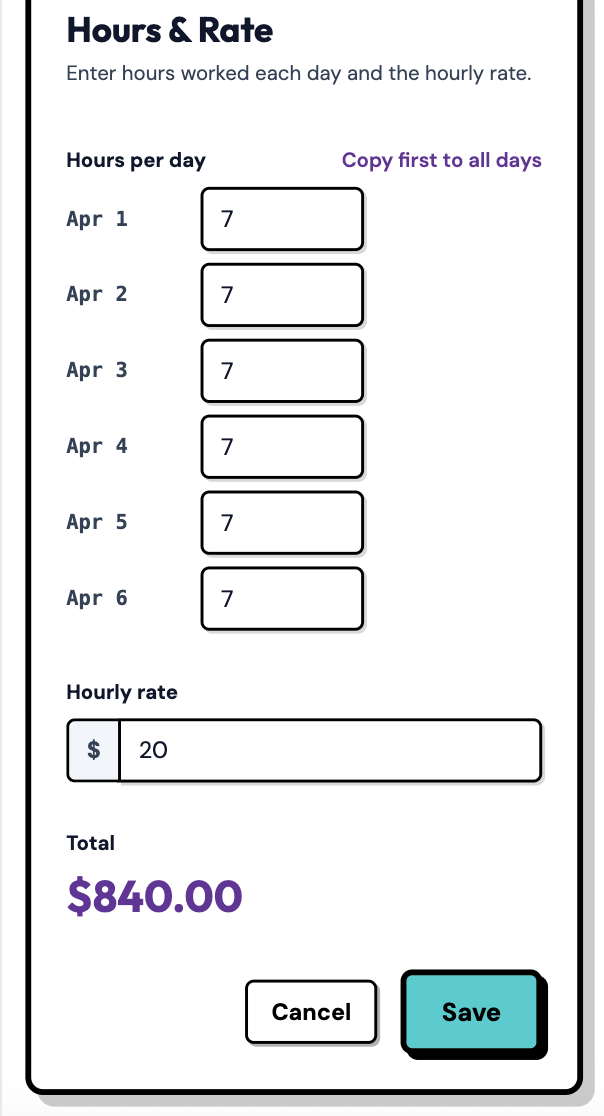
As a one-time setup: enter your nanny's full name, Tax ID or SSN, address and any other required info. Then select the days and enter the hours you're submitting. Click Save.
Step 3: Mark it paid
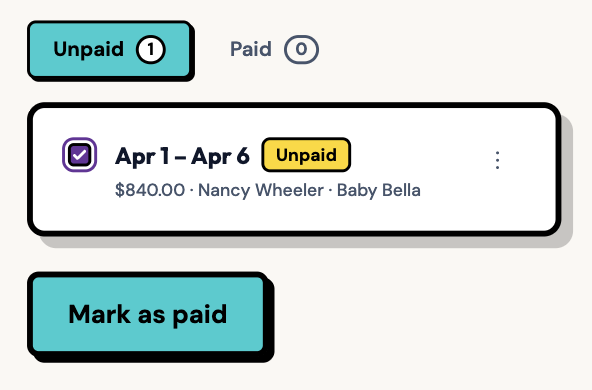
Once you've sent payment, click Mark as paid. Optionally: attach a screenshot or receipt (i.e. from Venmo or Zelle) to stay organized in case you need it for taxes/documentation purposes.
Step 4: Generate the invoice
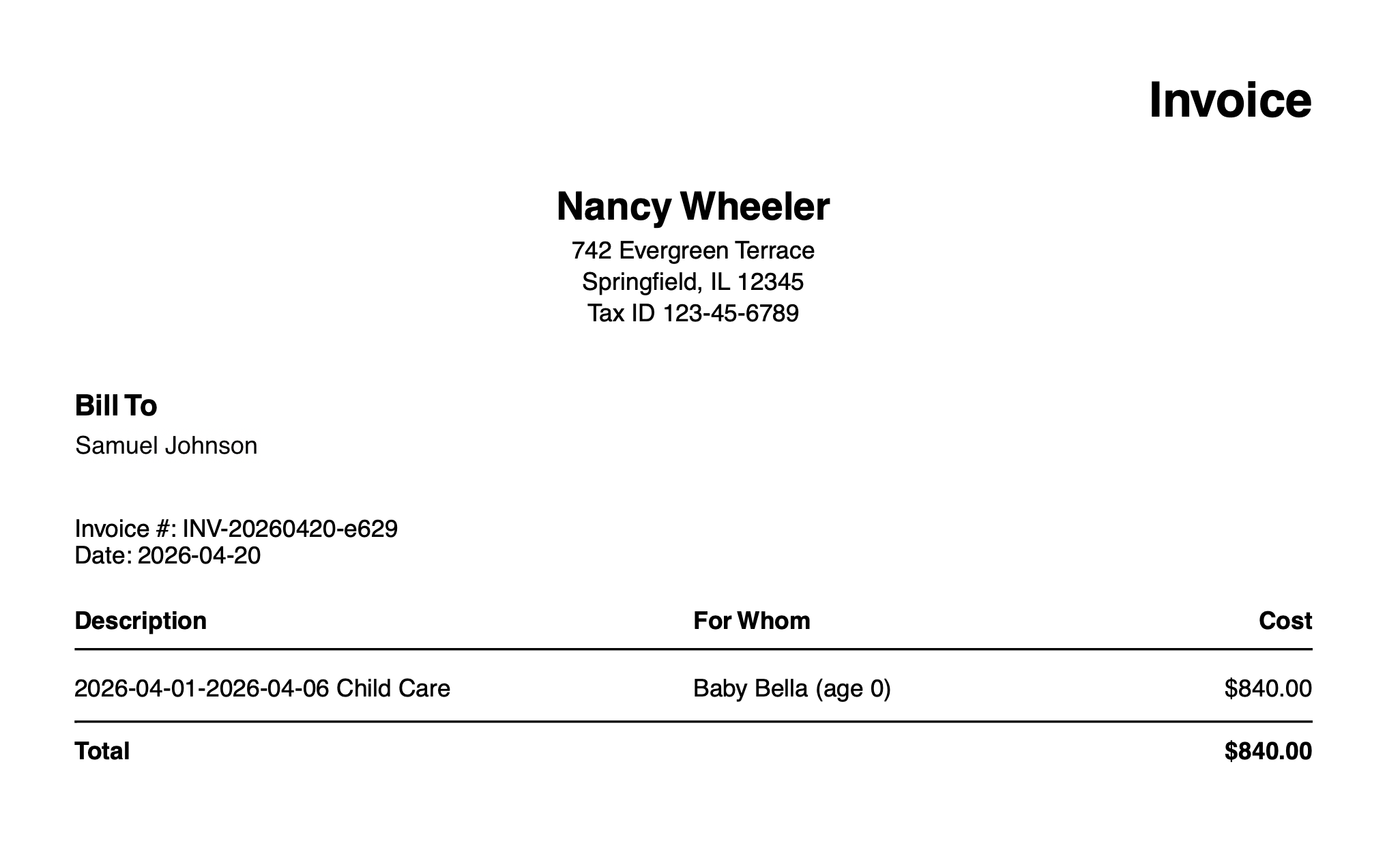
Click Generate Invoice to download the PDF you'll submit to Navia.
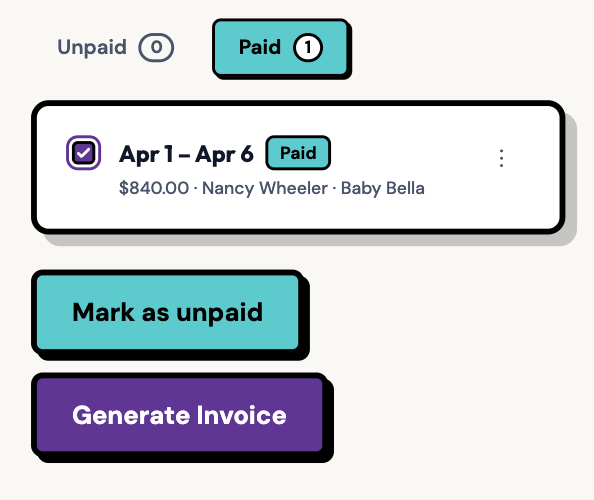
Navigate to your downloads folder to find the invoice PDF. Open it and make sure everything looks correct.
Part 2: Submit Your Claim to Navia
Step 5: Login to Navia
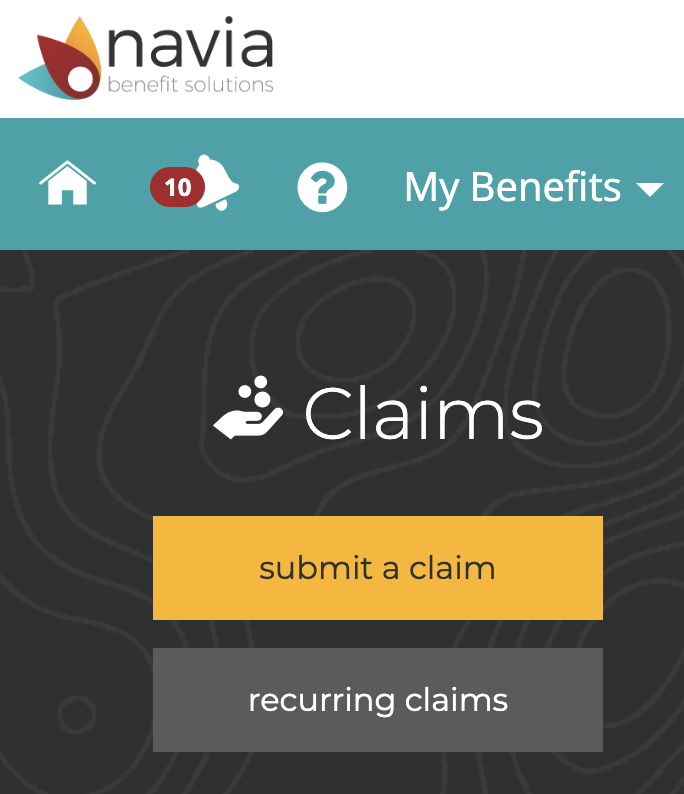
Log into your Navia account and click submit a claim.
Step 6: Choose your FSA and upload the invoice
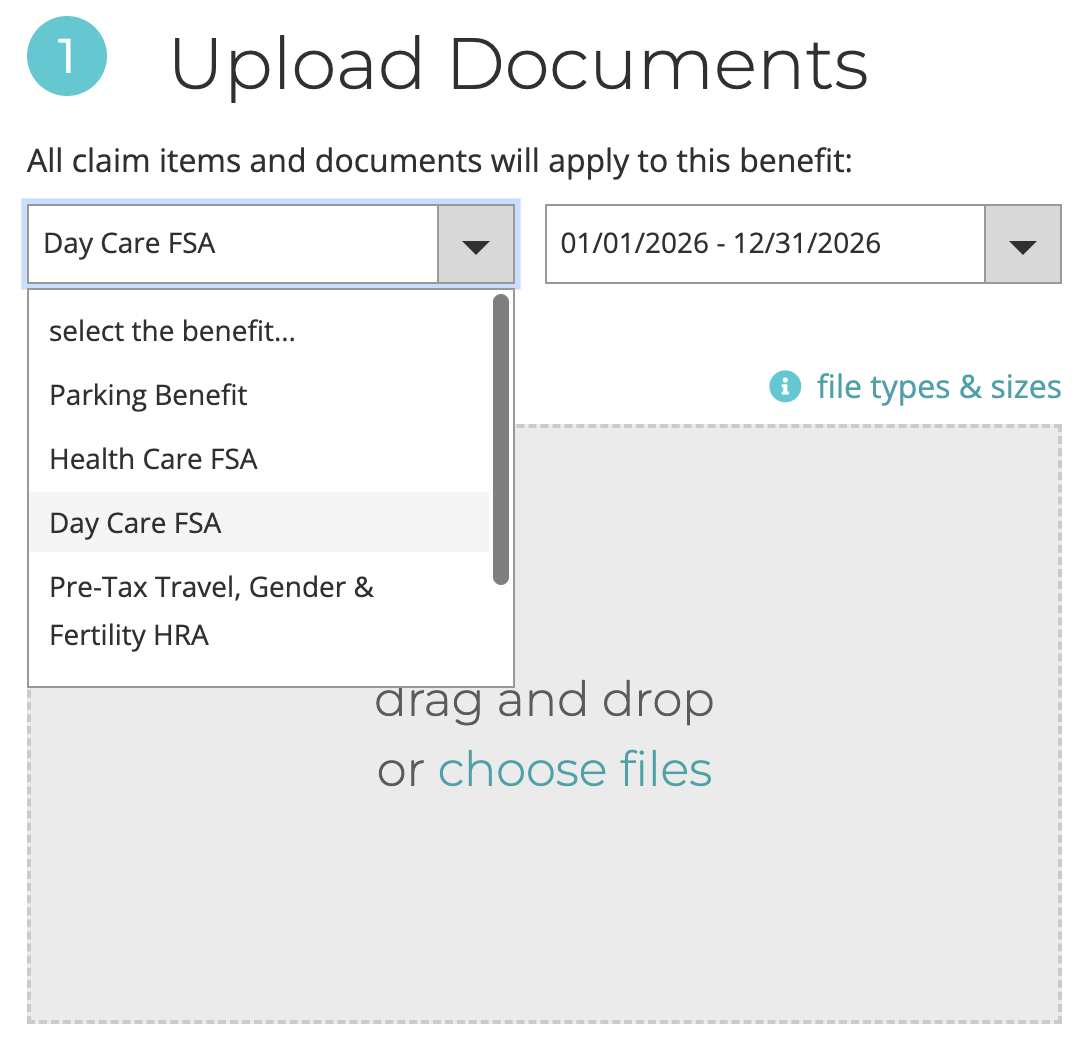
Select the claim year and your Dependent Care FSA account. Then drag and drop the invoice PDF you just generated. Click Next.
Step 7: Enter the claim details and submit
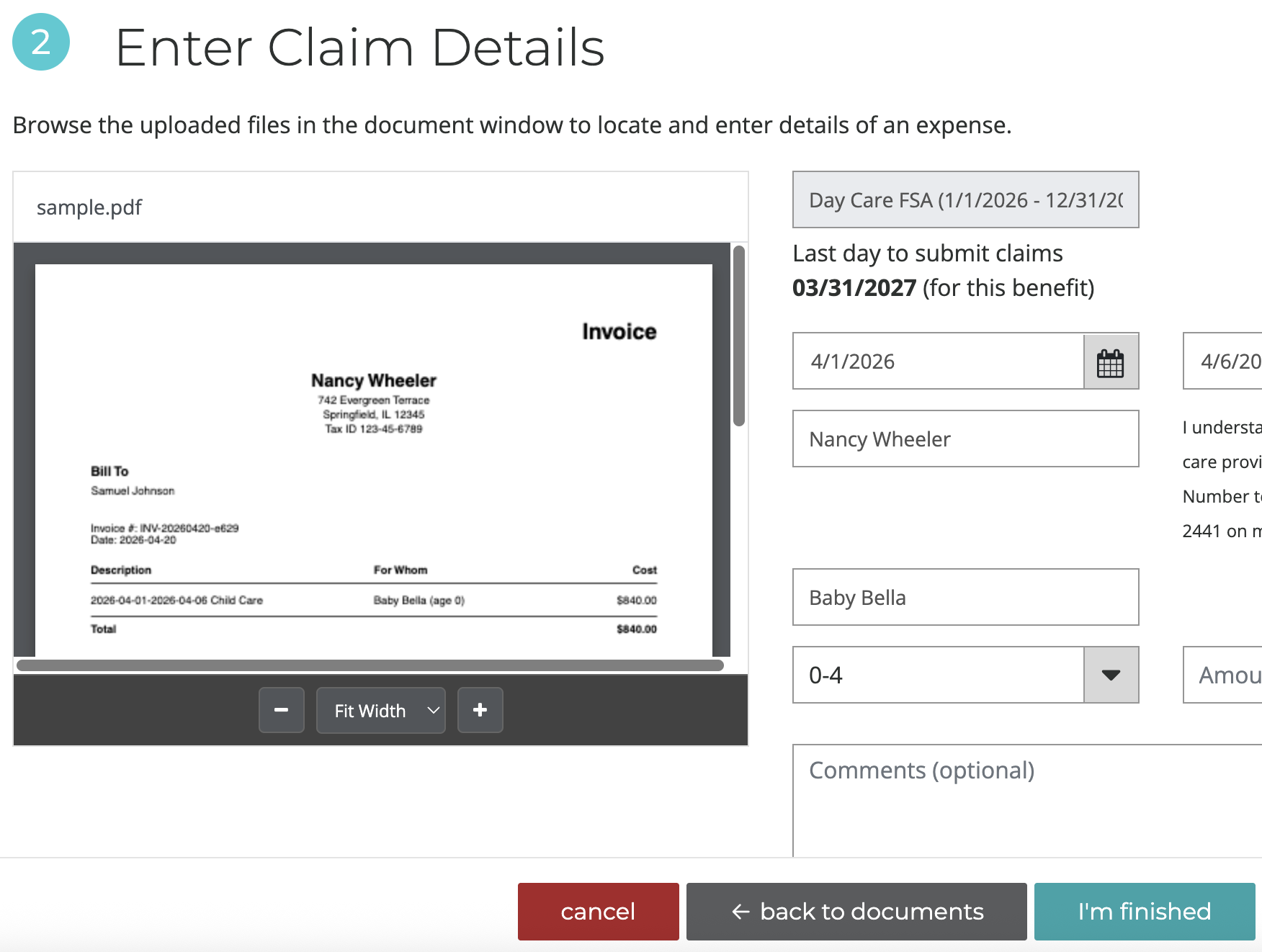
Fill in the claim details using the information from your invoice. The invoice has everything you need. Finally, click I'm Finished.
And you're done. 🎉
If you're still tracking nanny payments manually with text messages or spreadsheets or handwritten notes, ExpenseFam can help. It handles all this documentation for you automatically. Log your payments, generate invoices, and never lose money on forgotten FSA reimbursements again.
Start Your Free Trial